ClaraKey is an encrypted vault that lives on a USB drive you carry: authenticator codes, recovery codes, passwords, API tokens, SSH keys, notes and files. It never goes online. No cloud, no account, no subscription.
The codes and keys that unlock your accounts, kept where only you can reach them: an ordinary USB drive, encrypted with your master password.
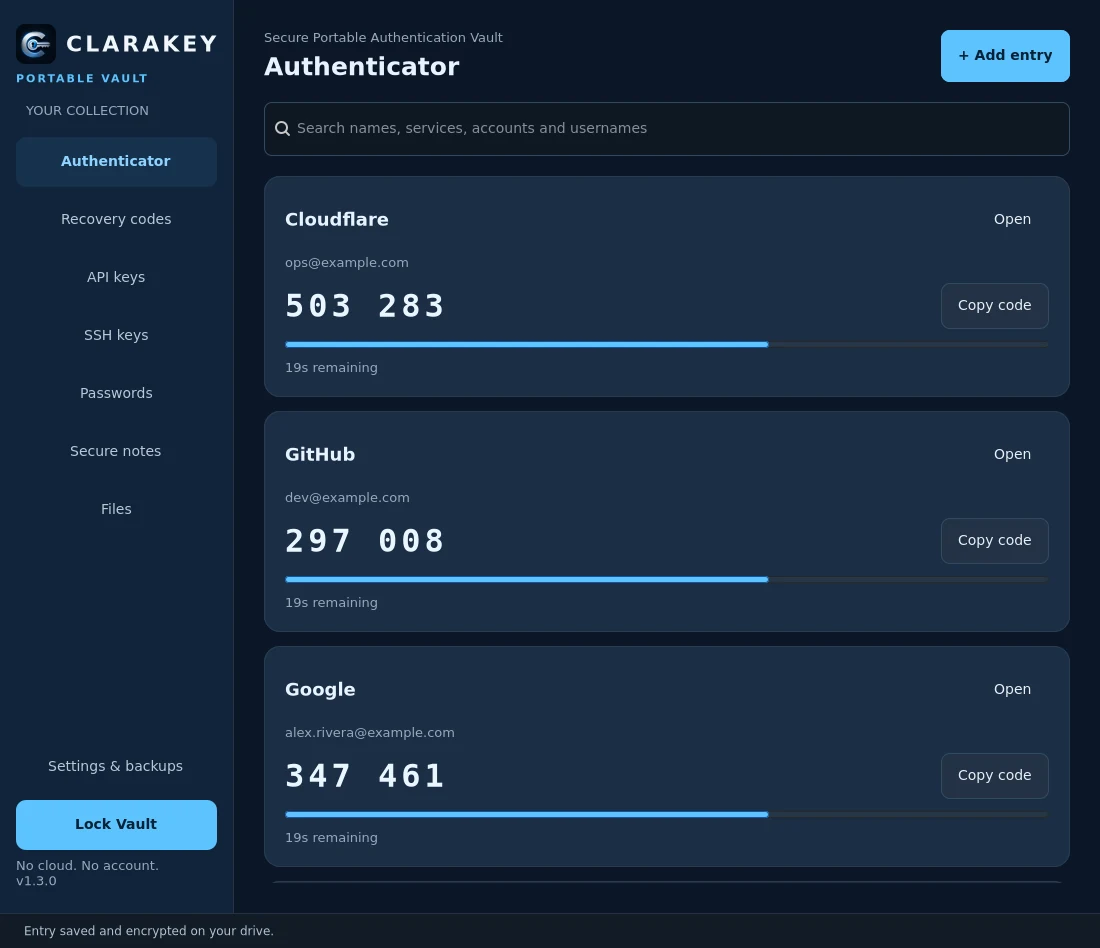
Time-based codes with a live countdown and one-click copy. Paste an otpauth:// link or type the secret. SHA-1, SHA-256 and SHA-512, 6 to 8 digits.
Keep each account's backup codes together and mark the ones you've used.
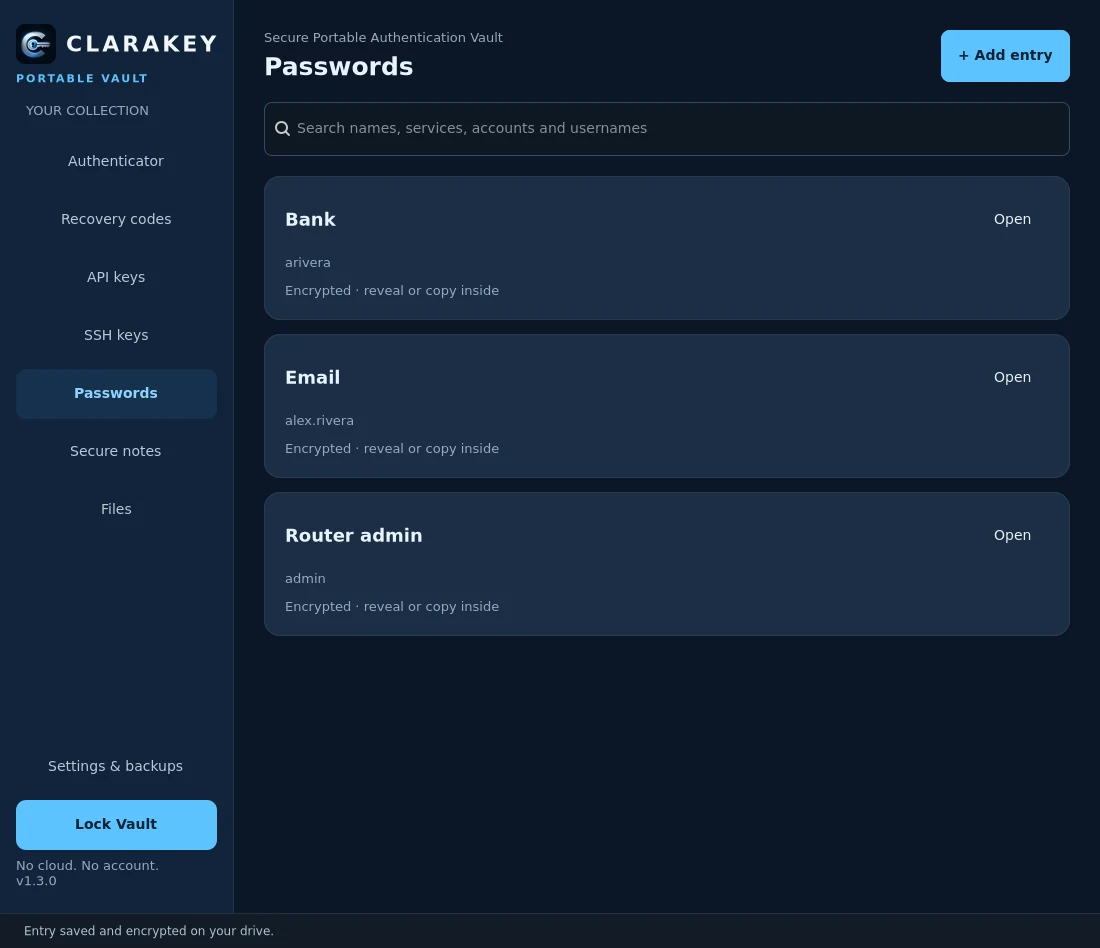
With a strong generator (8 to 128 characters, the character sets you choose) using your system's secure random source.
Store API credentials and import SSH private keys. Nothing is installed into ~/.ssh; export is always explicit.
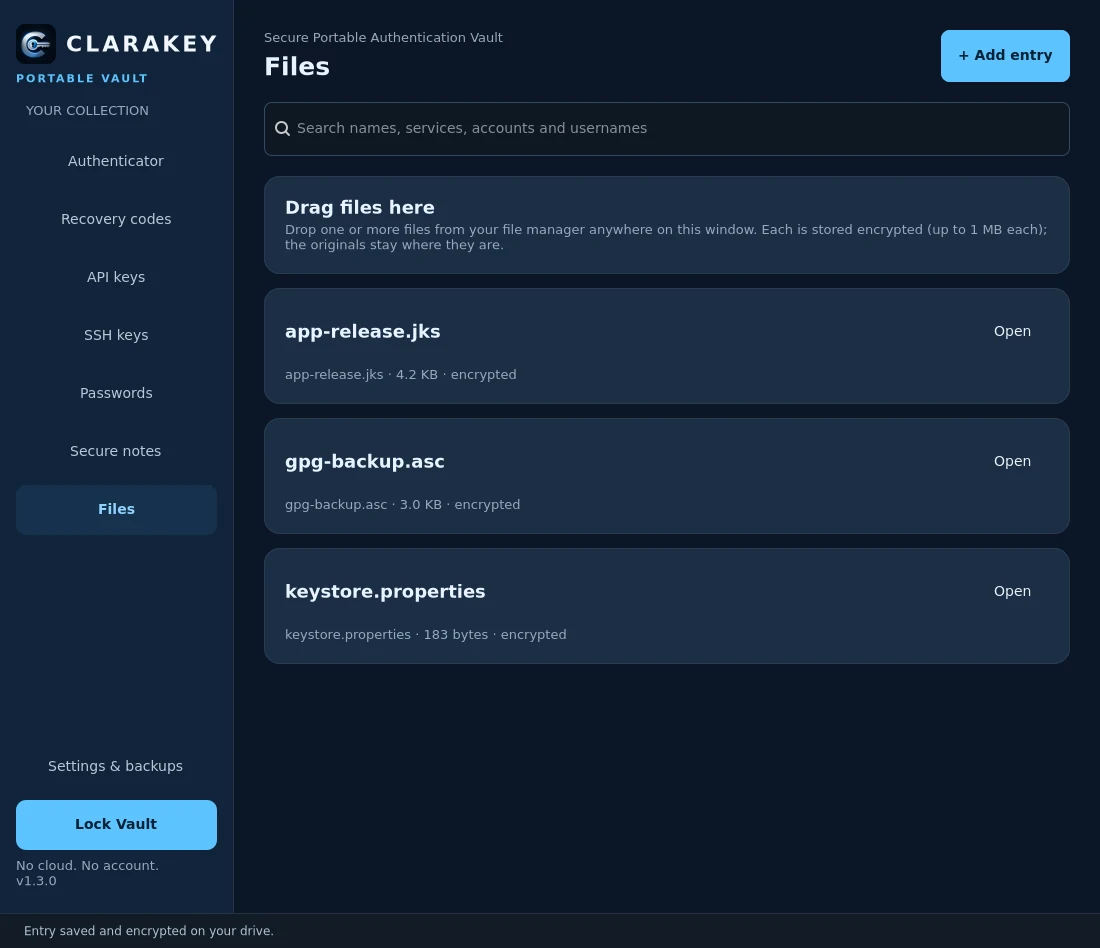
Signing keystores, certificates, GPG keys and 2FA backup files, up to 1 MB each. Just drag them onto the window. Each one's fingerprint is checked on every unlock.
Anything else that belongs behind a lock, with created and modified dates.
Auto-lock after inactivity (5 minutes by default) and a clipboard that clears itself after you paste (30 seconds by default).
Every save is verified and atomic, the previous version is kept, and encrypted backups can be restored after a check.
A native Linux app that opens straight from your drive.


Screenshots use a demo vault with made-up accounts.
Extract ClaraKey onto any USB drive. Everything it needs comes with it, Python and GTK included.
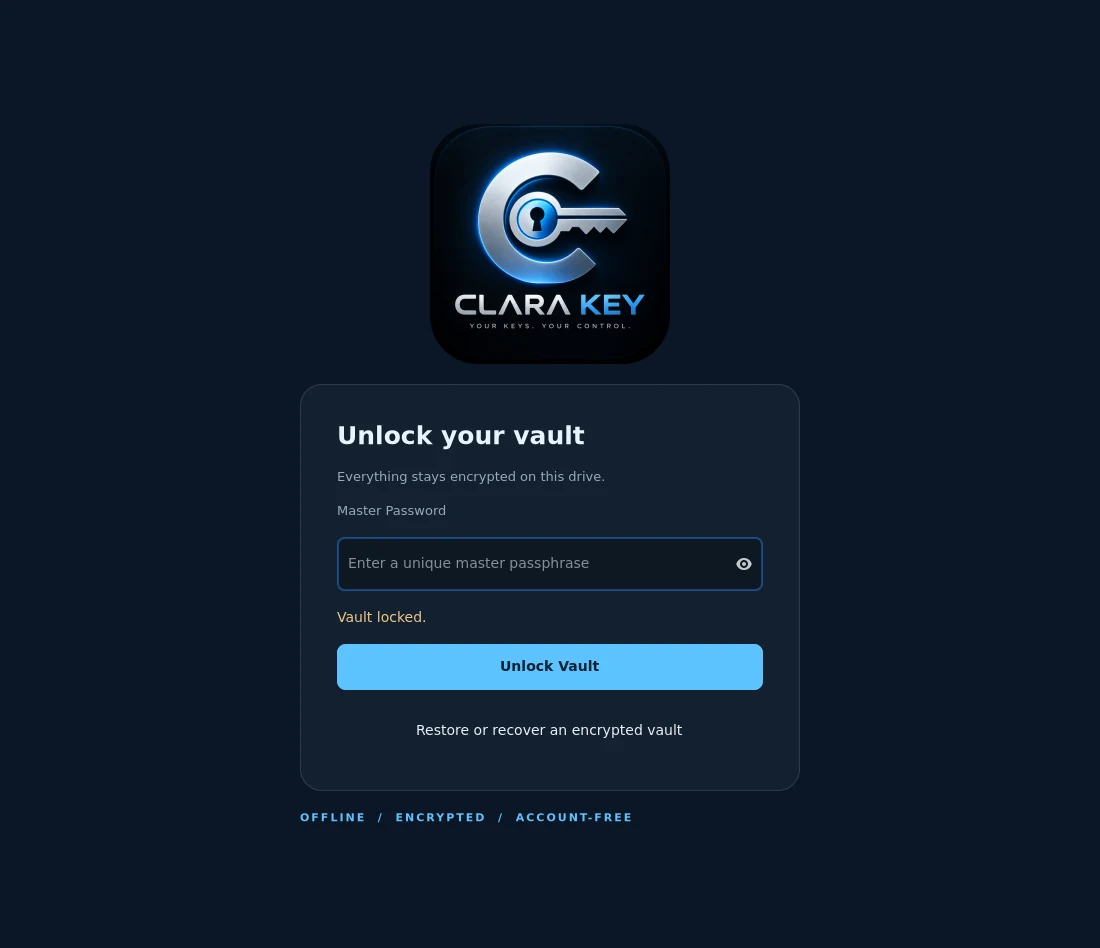
At least 12 characters; several random words are best. It's the only key to your vault.
2FA codes, recovery codes, passwords, keys, notes and files. Each change is encrypted and saved right away.
Lock the vault, eject the drive and take it with you. Plug it into a Linux PC and unlock it there.
One portable bundle for Linux (x86_64). Nothing to install on the computer.
Portable bundle for x86_64 desktops (Wayland or X11). Check it against the .sha256 file next to it on the release page.
ClaraKey never touches the network. Read exactly what's stored where โ
No cloud sync, no update checks, no telemetry, no time server. Your vault never leaves your drive unless you copy it.
Your master password becomes a key with Argon2id (64 MiB, 3 passes); everything, titles and notes included, is sealed with AES-256-GCM.
There's no password recovery, for anyone. If you lose the master password, the vault stays locked forever. Keep a backup.
MIT licensed, with a written threat model and vault format.
Yes. It's free and open source under the MIT license: no subscription, no account, no paid tier.
Then the vault can't be opened, by you or anyone else. That's what makes it safe. Choose a passphrase you'll remember (several random words work well) and keep an encrypted backup.
Whoever finds it sees only an encrypted file. Without your master password it's unreadable. To avoid losing your secrets too, keep an encrypted backup on a second drive.
No. ClaraKey is a software vault, not a FIDO2 or WebAuthn key like a YubiKey, and it can't protect you on a computer that's already compromised. It's a safe, portable home for the codes and secrets you'd otherwise scatter across apps and text files.
Linux on x86_64 with a desktop (Wayland or X11). Windows and macOS aren't supported yet.
Yes, by pasting each account's otpauth:// link or typing its secret. Scanning QR images isn't supported yet.
Not independently yet. It has automated tests and a real-desktop acceptance run, and its design is documented in the repository. Read the security notes before trusting it with everything.
Created by DevIgnite ร The Wider Lens Initiative Project, the makers of Clara, ClaimScout and C Terminal. Questions or feedback: clarakey@thewiderlens.info. Issues and contributions are welcome on GitHub.
Free, offline and yours. Put your codes and secrets on a drive only you can open.